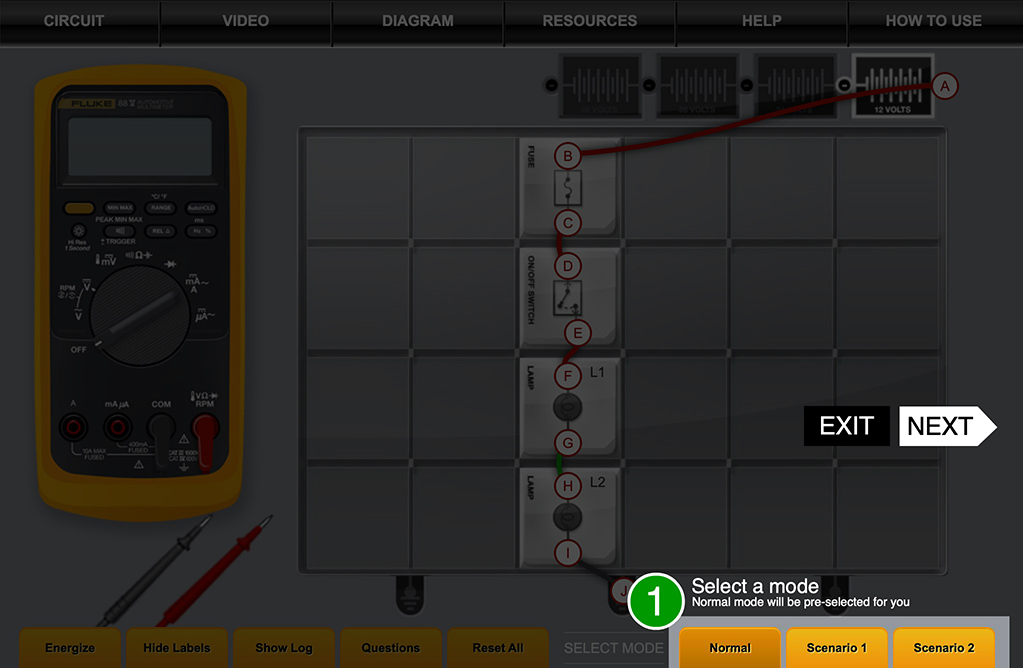
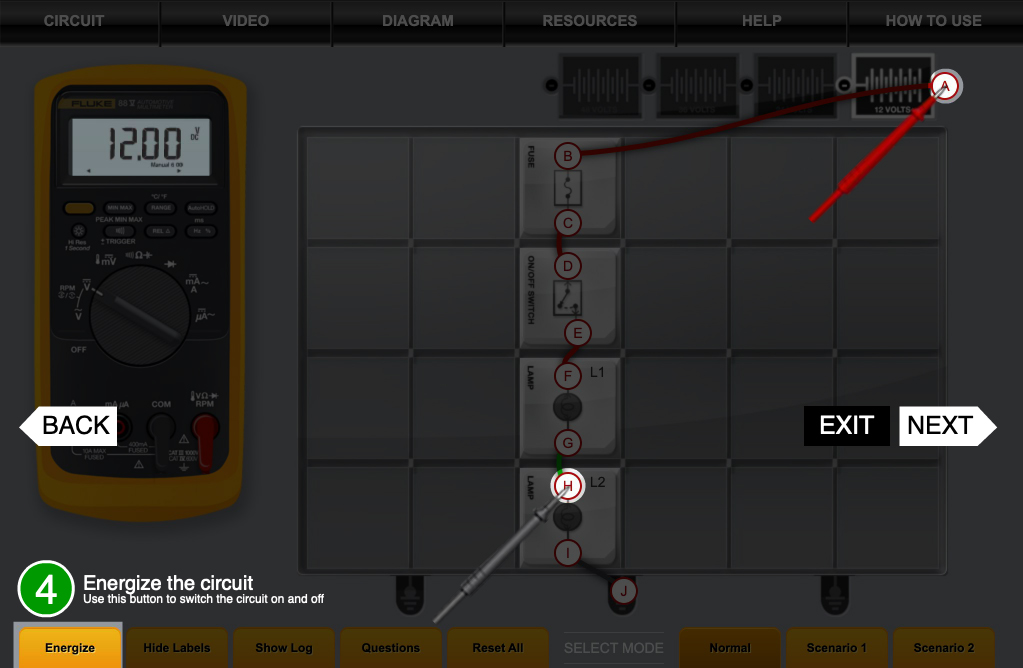
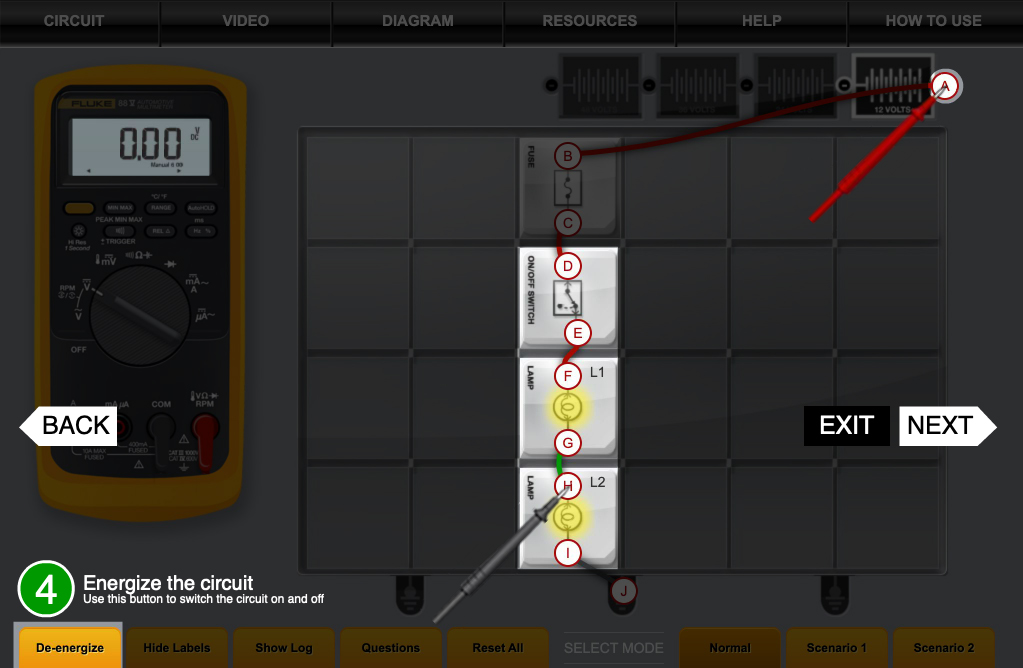
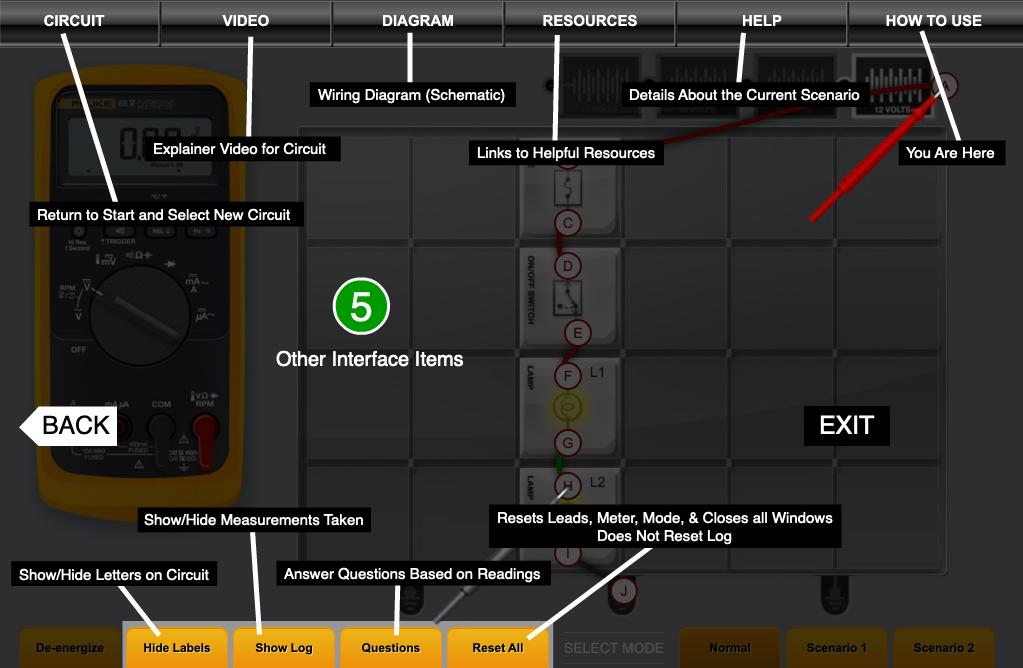
Welcome to the Breadboard simulator. This program is designed to behave in much the same way as an actual solderless, electronic breadboard. The only difference is we’ve already completed the circuits for you.
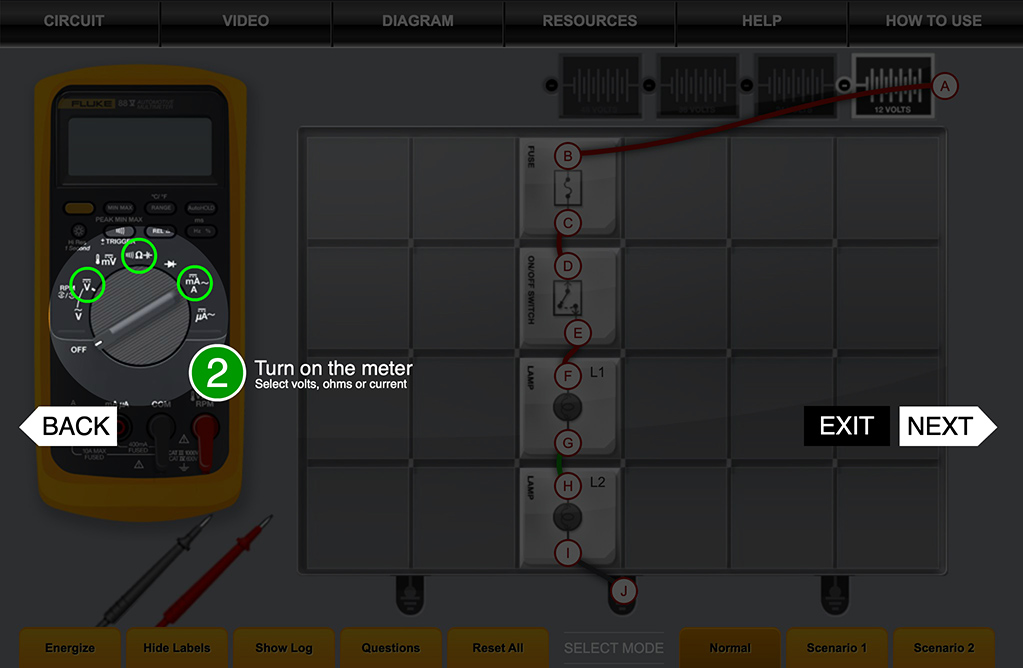
By selecting the appropriate setting on the DMM, you will be able to test for voltage, resistance, and amperage at various points within the circuits.
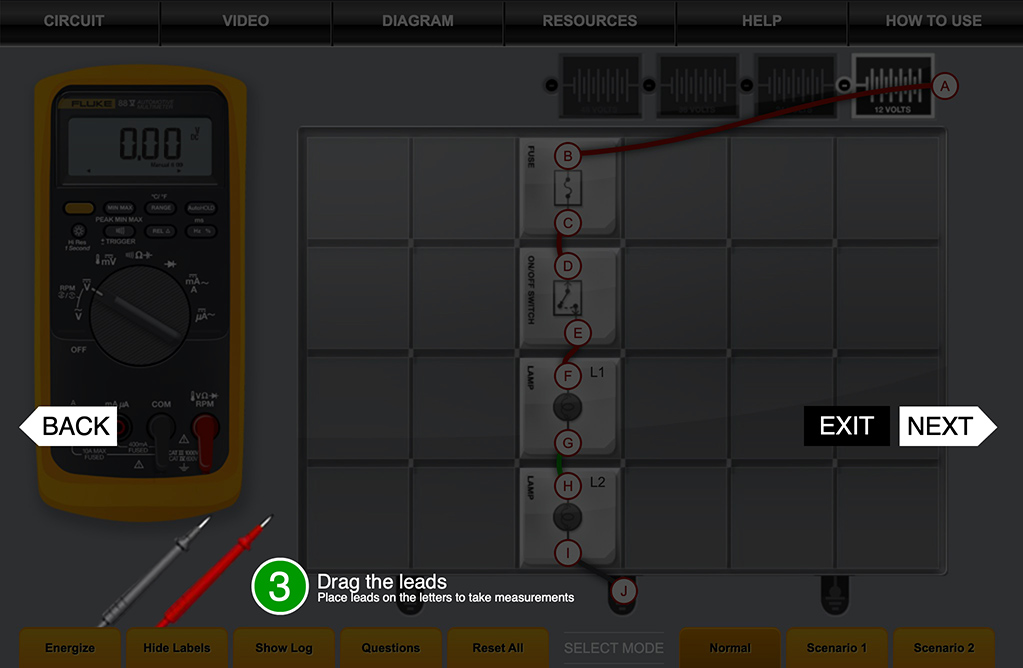
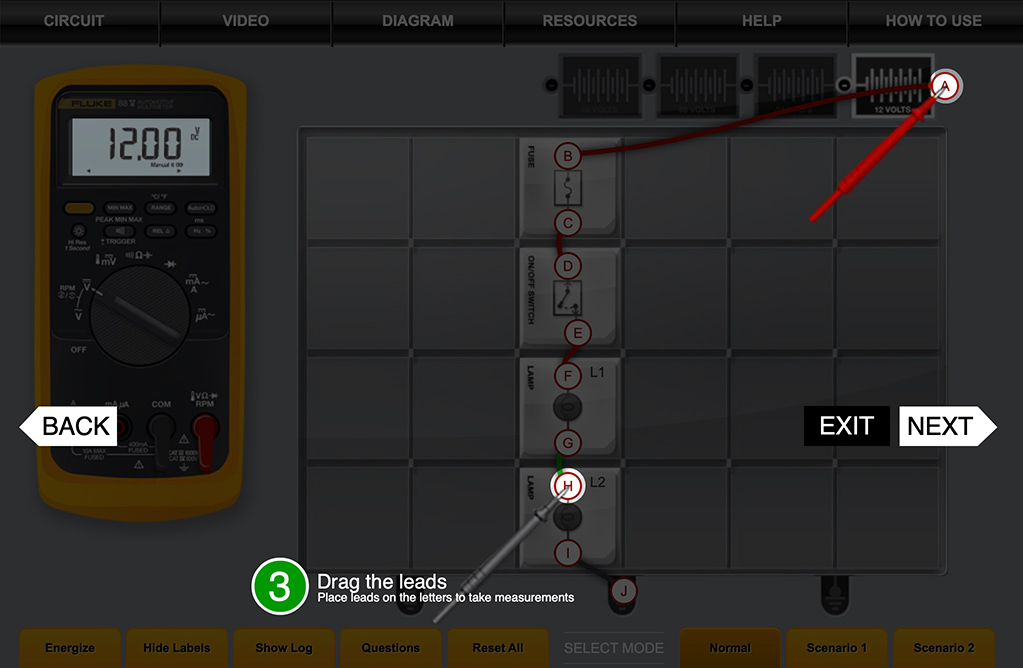
To perform a measurement, click and drag the leads from point to point. Or, click a lead to activate it, then click the letter of the terminal you want to test. While activated, the lead will snap to any contact point you select.
Note the differences with the circuits energized and de-energized.
When you have completed your measurements, click on “Questions” in the bottom menu to review your findings.
So let’s get started. From the scrollable list to the right, click the circuit you wish to test.







Scroll down for more
Make a selection from the pull
down above to start
taking measurements.
Make a selection from the pull
down above to start
taking measurements.
You must first disconnect all voltage sources from the circuit whose resistance you want to measure. The multimeter will inject a known voltage into the circuit so that it can measure the current and then calculate the resistance. If there are any outside voltage sources in the circuit, the voltage won’t be fixed, so the calculated resistance will be wrong or the fuse in the meter will be blown. Click 'Reset' to replace the fuse and turn the meter back on.




Select a mode to get started.
Select volts, ohms, or current to turn on the meter.